
Hi,
Are you interrested with an Outlook Automated Out Of Office ?
If yes, you are in the correct place. In my life I have to deal with some family duties and to consiliate with my work as a Cloud Architect, I’m taking some days off on a regular basis. My problem with that, I always forget to set the Out Of Office in my Outlook !
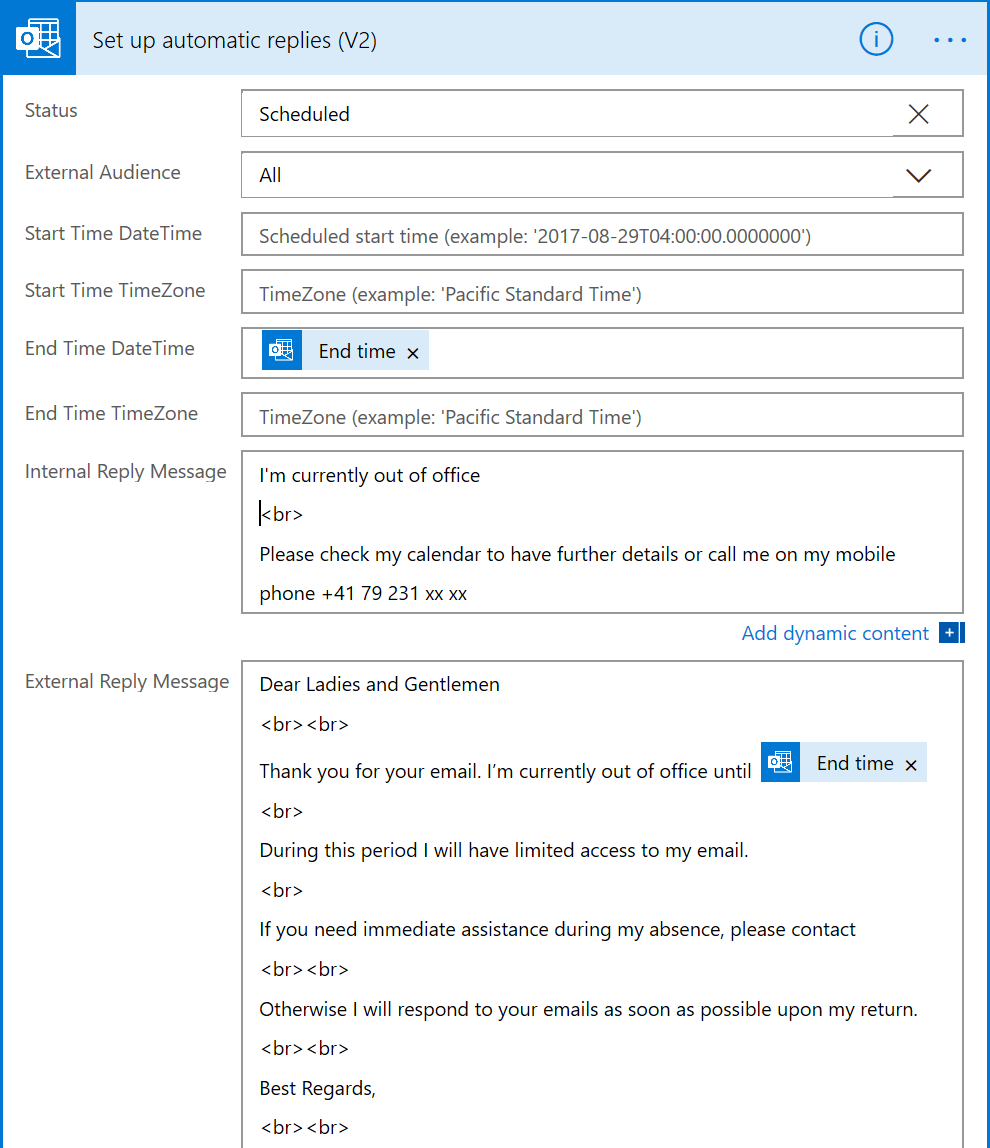
To resolve that, I used « Microsoft Office 365 – Power Automate » to create a flow with the following logic.
1- If the flow detect a meeting in my calendar called « day off automated »
-yes : set the Out Of Office with Internal and External message for the duration of the blocker
-no : don’t do anything

If I enter a blocker in my Outlook like this :

My Outlook Out Of Office will be set like that :
I hope this will helpful for you. Enjoy !
 Welcome to get-Ready